
An unresponsive automatic door remote control is a common troubleshooting problem, meaning the remote control used to operate the automatic door is unable to effectively send or transmit signals to the door’s control system.
This problem usually indicates a communication interruption between the remote control (transmitter) and the door’s mechanical components (receiver), which could be caused by power outages, signal interference, hardware malfunctions, or program errors. Understanding this problem helps users quickly find the root cause and restore the automatic door system to normal operation.
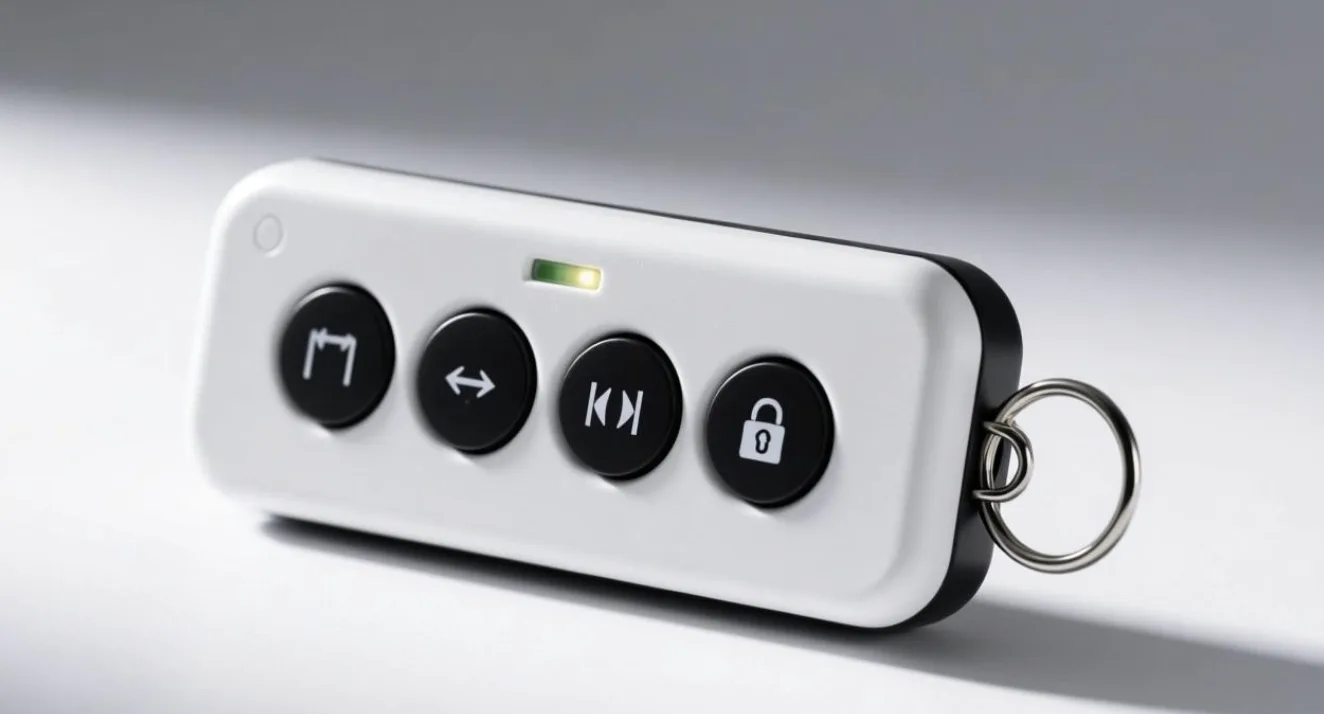
Common Reasons
An automatic door remote control that suddenly stops responding can be frustrating—especially when you rely on it for daily convenience and security. In most cases, the issue is not as serious as it seems and can be traced back to a few common causes such as battery failure, signal interference, or minor hardware faults. Understanding these factors can help you quickly diagnose and fix the problem without unnecessary replacements.
Check for Dead or Weak Remote Batteries First
One of the most frequent reasons for a non-responsive remote is a dead or weak battery. Over time, batteries lose their charge, reducing the signal strength transmitted to the automatic door system. Replacing the battery is often the quickest and easiest fix. Additionally, check for corrosion or poor contact inside the battery compartment, as this can also interrupt power flow.
Signal Interference and Range Issues Explained
Another common issue is signal interference or range limitations. Automatic door remotes typically operate using radio frequency signals, which can be disrupted by nearby electronic devices, metal structures, or even environmental conditions. If your remote only works at a very close distance—or not at all—try moving closer to the door or eliminating potential sources of interference. Reprogramming the remote to the receiver may also restore proper communication.
Inspect for Remote or Receiver Hardware Damage
Hardware-related problems can also be a factor. A damaged remote, worn-out buttons, or a faulty receiver unit inside the automatic door system may prevent proper operation. In such cases, inspecting the remote for physical damage or testing with a backup remote can help identify whether the issue lies with the transmitter or the door system itself. If the receiver is defective, professional servicing may be required.
Reprogramming and System Reset Solutions
Lastly, programming errors or system resets can cause the remote to stop working. Power outages or system updates may erase stored remote codes, requiring you to re-sync the remote with the door controller. Always refer to the manufacturer’s manual for proper pairing instructions to ensure compatibility and correct setup.
About Beifan Automatic Door Factory
At Automatic Door Blog, we focus on providing practical, easy-to-understand guidance for automatic door systems, accessories, and troubleshooting. Our goal is to help homeowners, technicians, and businesses maintain efficient and reliable door operations. Whether you’re dealing with sensors, controllers, or remote access systems, we deliver clear solutions backed by real-world experience. Learn more at:
FAQ
What Are Automatic Door Accessories? Complete Guide
Automatic door accessories include components like sensors, controllers, remotes, and safety devices that enhance door functionality and automation.
How Do Automatic Door Sensors and Controllers Work?
Sensors detect motion or presence, sending signals to the controller, which then activates the door opening or closing mechanism.
Key Components of Automatic Door Accessory Systems
Core components include sensors, control units, remote transmitters, receivers, and safety features like infrared beams.
Automatic Door Sensor Not Working? Causes and Fixes
Common causes include dirt buildup, misalignment, or wiring issues; cleaning and realignment usually resolve the problem quickly.