
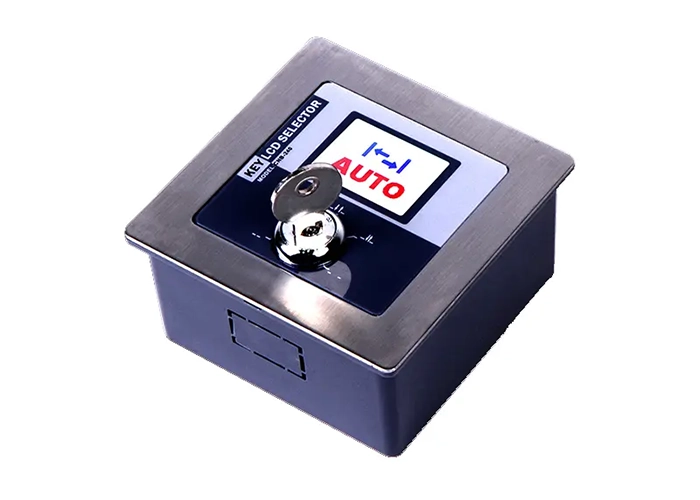
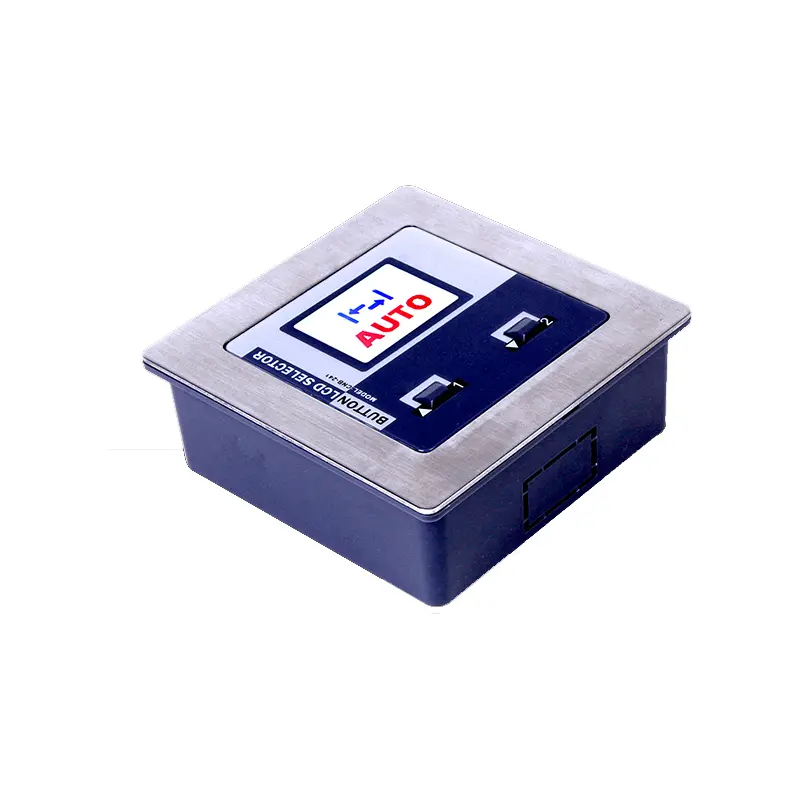
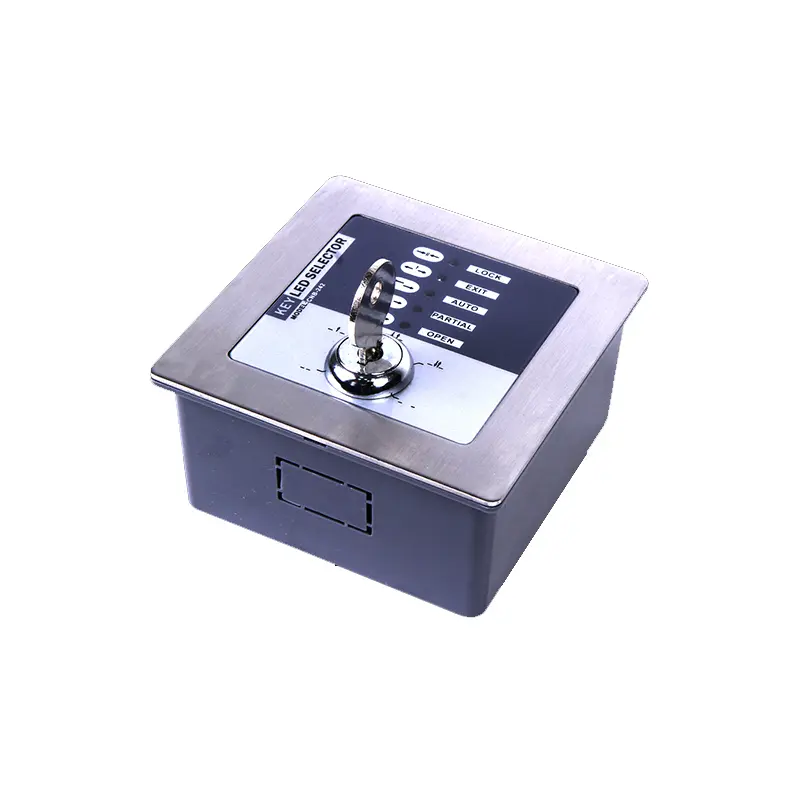
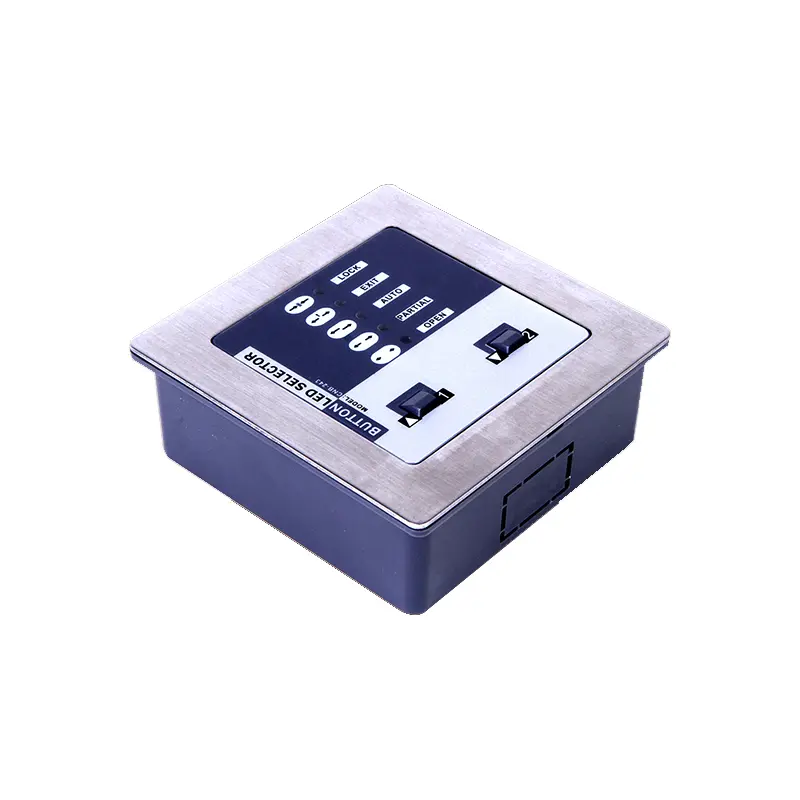

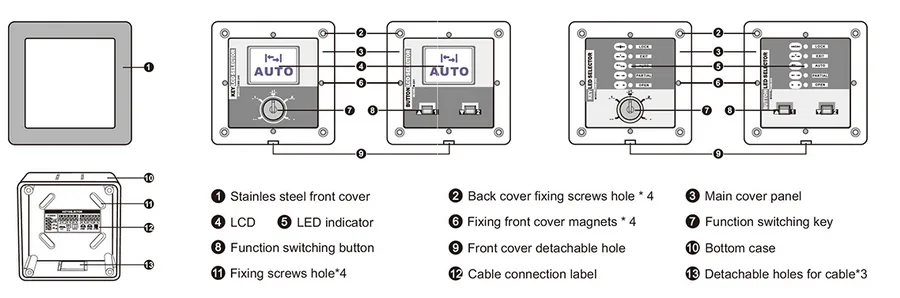
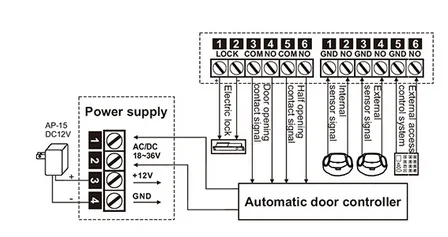
When DC 12V power supply i叩ut, it need to 8nnect by terminal 3 and 4, can’t from 1 and 2, like picture shows.
Note: Transmitting electric eye(Blue cable), Receiving electric eye(Black cable).
■ Function switching:
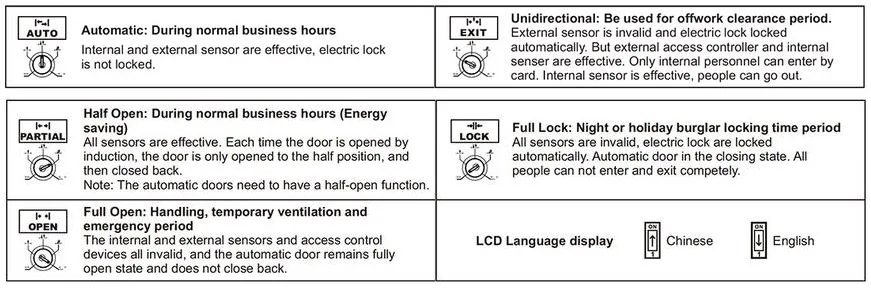
Press and hold the key 1 and 2 for 5s at the same time, the n hear a buzzer, in put the 4-digit operation password (i nitial password 1111), and press key 1 and 2, enter the system programming state. Through key 1 and 2 to choose the function gear, Then press and hold the key 1 and 2 again to confirm the selected function, or wait 2s for the system to automatically confirm the current selected function gear.
■ Change operation password:
Press and hold the key 1 and 2 for 10s at the same time, the n hear a buzzer after 5s, and hear the sec ond buzzer after 10s, in put the original 4-digit password and then press key 1 and 2 to confirm, input new 4-digit password and press key 1 and 2 to confirm, input and confirm again, setting successfully.
NOTE: This user password should be properly saved, and entered when switching function gears again; If the password is forgotten, please restore to factory default initial password 1111.
■ Restore the factory default password:
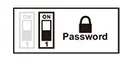
Open the back cover and power on, press the key 1 or 2, switch the dial switch on the circuit board to ON state and then back to 1 terminal, all LED indicators on the panel will flashes twice, and the password is restored successfully(initial password 1111).
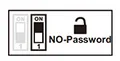
Gear switching without password, open the dial switch to ON state.
■ Switching the gear without password:
Directly press the key 1 and 2, switch to your needed functi on, the n press the key 1 and 2 to con firm, or wait 2s for the system to automatically confirm the current selected function gear.
| Power input: | DC 1&36V |
| Mechanical working life: | Over 75000 times |
| Function switching: | 5 gears |
| Display screen: | TFT Tu recolor 34x25mm |
| External dimensi on: | 92x92x46mm (Panel) |
| Hole size: | 85x85x43mm |
| NO. | ITEM | PCS | Remark |
| 1 | Main body | 1 | |
| 2 | Keys | 2 | Key switch (M-240, M-242) with keys, button switch without key |
| 3 | Screws bag | 1 | |
| 4 | Instructions | 1 |


