
Automatic door accessories are the essential components that transform a simple powered door into a safe, intelligent, and efficient access system. From motion sensors that detect approaching pedestrians to remote controllers that allow convenient hands-free operation, these accessories form the backbone of every reliable automatic sliding door, swing door, and folding door installation.
Whether you are a facility manager upgrading a commercial entrance, a contractor sourcing parts for a new construction project, or a property owner looking to improve building accessibility, understanding the full range of automatic door accessories is the first step toward making informed purchasing decisions. This complete guide covers every major accessory category, explains how they work together, and helps you choose the right components for your specific application.
The Core Types of Automatic Door Accessories
A well-functioning automatic door system relies on a coordinated network of accessories, each serving a distinct purpose. Below are the five primary categories that every installation should consider:
1. Microwave Motion Sensors
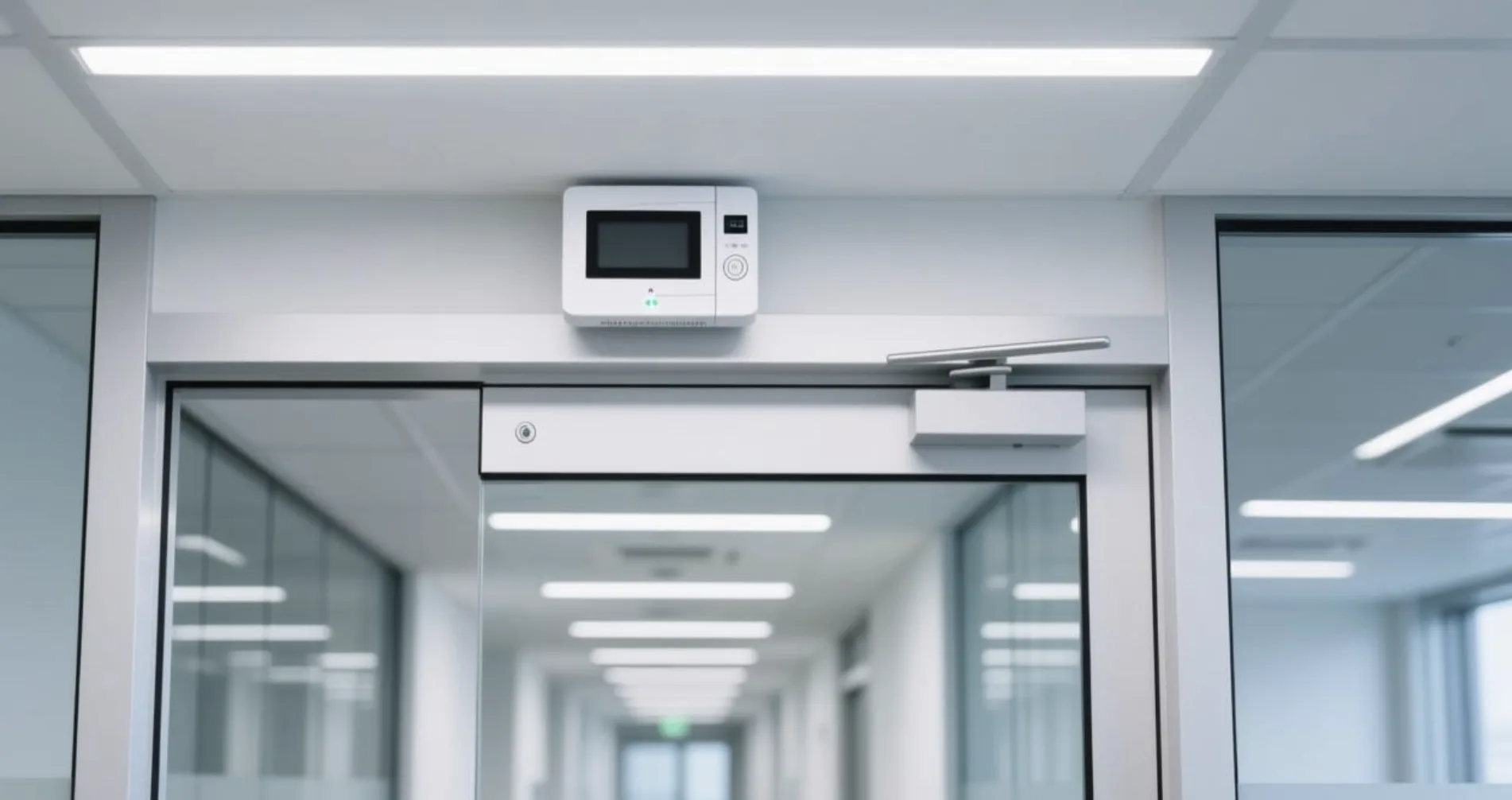
Microwave motion sensors use Doppler radar technology to detect the movement of approaching pedestrians and trigger the door to open automatically. These sensors are typically mounted above the door header and offer adjustable detection ranges—many models support distances up to 10 meters (34 feet). Their primary role is activation: ensuring the door opens before a person reaches the threshold, providing a seamless hands-free experience. Microwave sensors are widely used in office buildings, supermarkets, hospitals, and airports where smooth traffic flow is essential.
2. Safety Beam Sensors
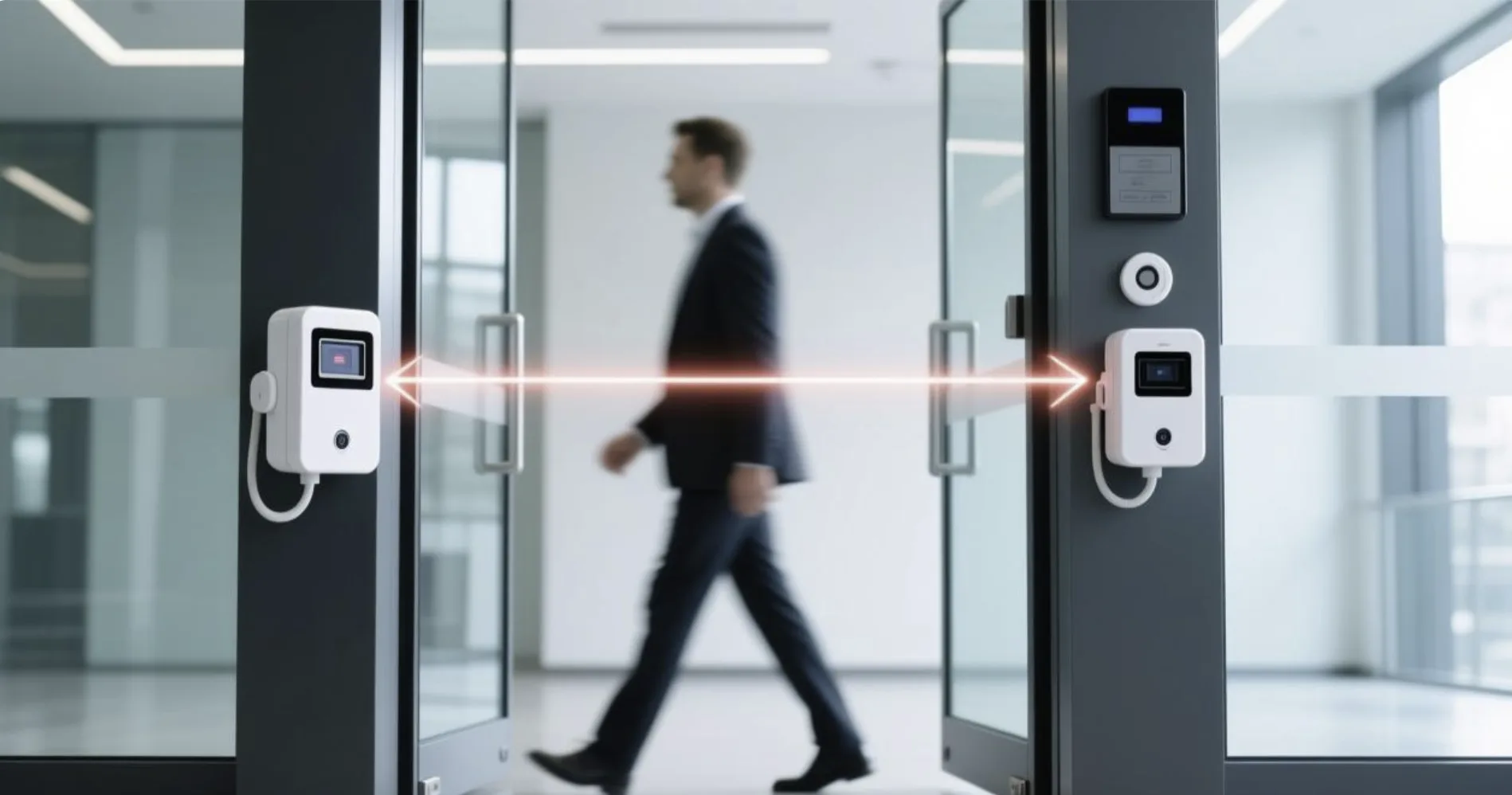
Safety beam sensors create an invisible infrared barrier across the door opening. When a person, shopping cart, or any object breaks this beam, the door controller immediately halts or reverses the closing cycle, preventing collision and entrapment. These sensors are typically installed at heights of 20cm and 60cm from the floor to cover both adult and child detection zones. Models like the M-218D Safety Beam Sensor feature microcomputer control technology and color-corresponding plug-in sockets for simplified, error-free wiring. Safety beam sensors are mandatory for compliance with standards such as ANSI/BHMA A156.10 and EN 16005.
3. Infrared Motion & Presence Safety Sensors
Combining the capabilities of motion detection and presence monitoring, infrared motion & presence safety sensors provide a dual-function safety solution. The motion detection component activates the door as someone approaches, while the presence detection component ensures the door remains open as long as a person is standing within the threshold area. This is particularly important in healthcare environments, where patients using wheelchairs or walkers may move slowly through doorways. Advanced models feature adjustable depth and width detection for both inner and outer sensing lines, allowing precise customization for different door widths and traffic patterns.
4. Automatic Door Remote Controllers
Remote controllers provide wireless convenience for operating automatic doors from a distance. The M-203E Autodoor Remote Controller, for example, supports up to 16 coding options with a simple one-touch learning process—press the learn button for one second, press any key on the transmitter, and the system confirms successful pairing with a green indicator flash. Remote controllers typically support wide voltage compatibility (AC/DC 12V–38V) and offer multiple operation modes including Automatic, Half Open, Full Lock, and Unidirectional. They are especially valuable in residential garages, VIP entrances, and loading dock applications where keyless access is preferred.
5. Function Selectors & Control Modules
Function selectors act as the central command interface for automatic door systems. A five-key function selector allows facility managers to switch between operating modes such as:
| Mode | Function | Best Used For |
|---|---|---|
| Automatic | Full sensor-activated operation | Normal business hours |
| Half Open | Door opens to 50% width | Energy saving during low-traffic periods |
| Full Lock | Door remains fully closed | After-hours security |
| Unidirectional | Only exit allowed | Off-work clearance & evacuation |
| Manual | Override for maintenance | Installation and servicing |
These selectors typically feature LCD displays for clear mode indication and are compatible with most standard automatic door controllers, making them indispensable for multi-purpose commercial environments.
How These Accessories Work Together as a System
Understanding individual components is important, but the real value of automatic door accessories lies in how they integrate into a unified system. When a pedestrian approaches a commercial entrance, the microwave motion sensor detects movement and signals the door controller to activate the motor. As the door opens, the infrared presence safety sensor monitors the threshold zone, ensuring the door stays open while someone is passing through. If the safety beam detects an obstruction during the closing cycle, it immediately sends a stop/reverse signal to the controller. Meanwhile, the function selector determines which operating mode is active—whether it’s full automatic for business hours or half-open for energy conservation. This layered architecture ensures both convenience and safety without requiring manual intervention.
For installers and procurement teams, this means that sourcing accessories from a single manufacturer who designs products for seamless interoperability can significantly reduce compatibility issues, simplify installation, and lower long-term maintenance costs. Look for accessories that support multi-voltage input (12V–38V), offer plug-and-play wiring, and comply with international certifications such as CE and ISO 9001.
About Ningbo Beifan Automatic Door Factory
Ningbo Beifan Automatic Door Factory, founded in 2007, is a professional manufacturer specializing in automatic door motors, automatic door operators, and a comprehensive range of automatic door accessories including sensors, remote controllers, and function selectors.
FAQ
How Do Automatic Door Sensors and Controllers Work?
Automatic door sensors (microwave motion sensors and infrared presence sensors) detect movement or human presence and send electrical signals to the door controller—the system’s central processing unit. The controller interprets these signals and activates or stops the door motor accordingly. For example, when a microwave sensor detects an approaching person, it triggers the controller to open the door; when an infrared presence sensor detects someone standing in the doorway, it tells the controller to keep the door open. The controller also manages timing, speed adjustment, and safety reversal based on input from all connected sensors.
Key Components of Automatic Door Accessory Systems
The essential components include: (1) Microwave motion sensors for activation/detection, (2) Safety beam sensors (photo cells) for entrapment prevention, (3) Infrared motion & presence safety sensors for combined detection and monitoring, (4) Remote controllers for wireless operation, (5) Function selectors/keypads for mode switching, and (6) The door controller that coordinates all inputs and manages the motor. Together, these components ensure safe, efficient, and user-friendly automatic door operation.
Automatic Door Sensor Not Working? Causes and Fixes
Common causes include: power supply issues (check voltage input matches the sensor’s AC/DC 12V–38V rating), misaligned safety beams (ensure transmitter and receiver are positioned at the same height and angle), environmental interference (dust, rain, or direct sunlight can affect infrared sensors), loose wiring connections (inspect plug-in sockets and terminal blocks), and incorrect detection range settings (adjust the depth/width knobs on the sensor). If the issue persists after basic troubleshooting, consult the manufacturer’s technical support team for professional diagnosis.
Why Is My Automatic Door Remote Control Not Responding?
(1) Dead batteries in the remote transmitter—replace and test
(2) Lost coding—re-pair by pressing the learn button on the receiver for 1 second and then pressing any key on the remote
(3) Code memory full—the M-203E controller supports up to 16 codes; if exceeded, delete all codes by holding the learn button for 5 seconds and re-pair needed remotes
(4) Signal interference from nearby electronic devices or metal obstructions
(5) Faulty receiver unit—inspect for physical damage or contact the manufacturer for replacement.